
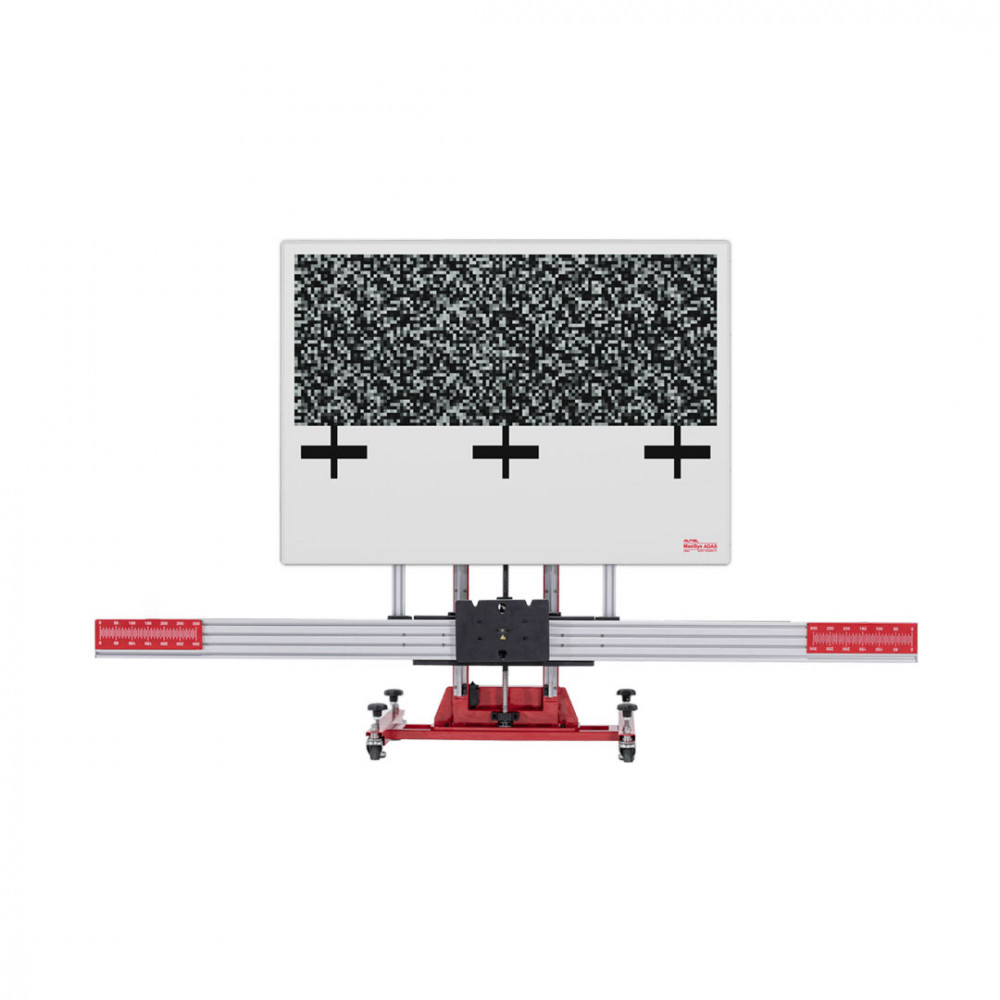
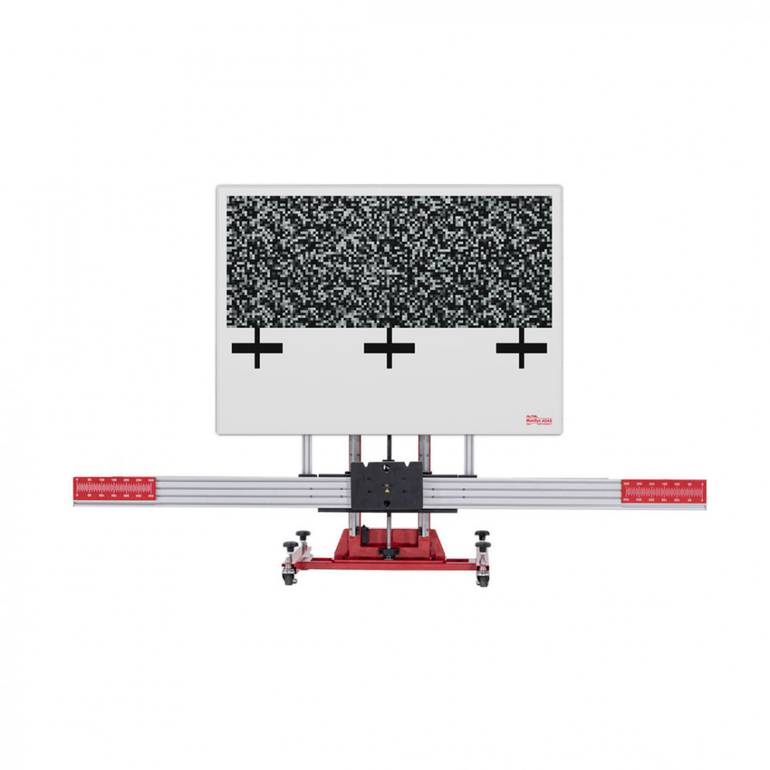

Autel MAXISYS ADAS ALL SYSTEMS 2.0T Adjustable Calibration Frame And Tools + MaxiSys MS909 Diagnostic Tablet
ReflectorPositions the calibrate radar for VW, Porsche, BMW, Nissan, Infiniti, Hyundai and KIA vehicles.Mini ReflectorTogether with the laser on the calibration frame, adjusts the radar to be vertical to the ground.Corner ReflectorCalibrates radar fo
more information$ 40,977.92
$ 41,803.34
Discount 2%
+
Earn loyalty points with this purchase
Rewardsproduct sku
Z.420447.17032486105775645
Weight
1.0 kg

share product
product description

 Reflector
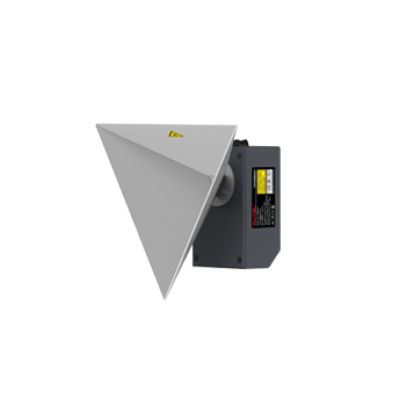
Positions the calibrate radar for VW, Porsche, BMW, Nissan, Infiniti, Hyundai and KIA vehicles.
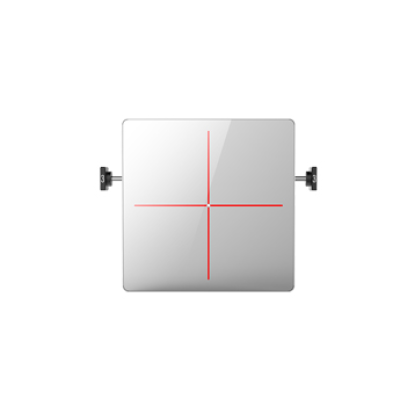
Mini Reflector
Together with the laser on the calibration frame, adjusts the radar to be vertical to the ground.Corner Reflector
Calibrates radar for Honda, Toyota, Hyundai, and KIA vehicles by attaching to the Calibrator Sta
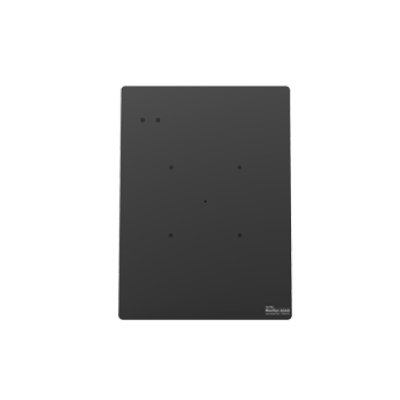
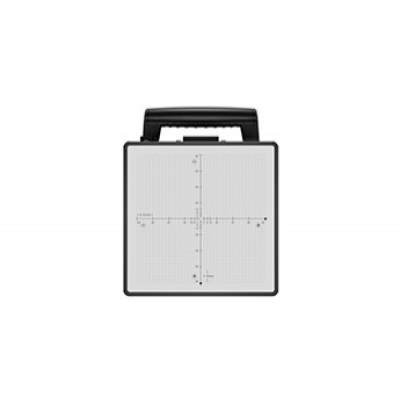
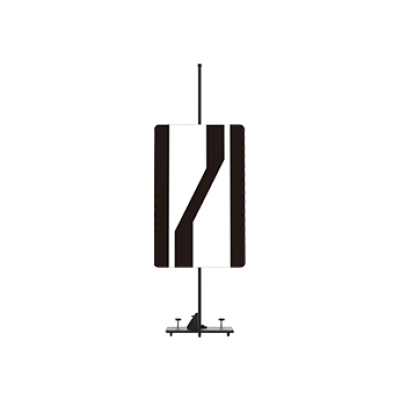
Radar Calibration Plate
Calibrates the Continental radar for Nissan and Infiniti vehicles by attaching to the sliding board on the calibration frame
Radar Calibration Plate
Calibrates radar for Volkswagen vehicles by attaching to calibration frame
Radar Calibration Plate
Calibrates radar for Nissan vehicles by attaching to the calibration stand
Lane Departure Warning (LDW)
Pattern Board & Target Board Holder
Paste different patterns for lane departure warning systems calibration of different vehicles.
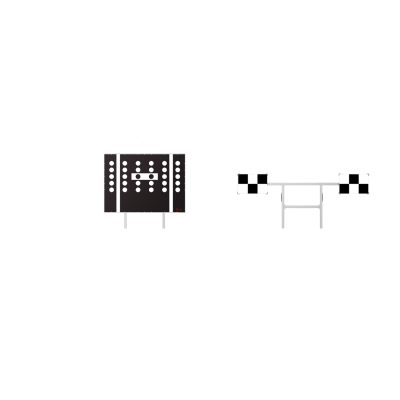
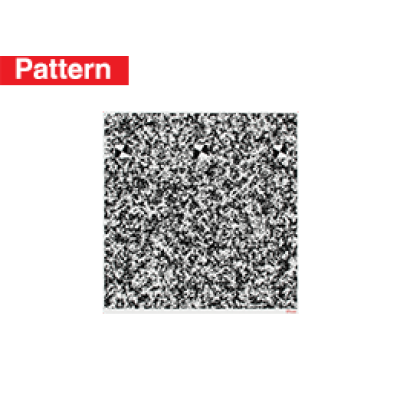
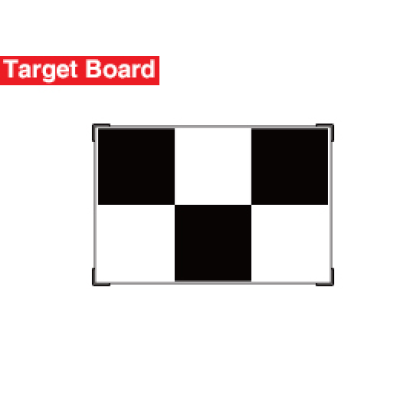
Honda/Acura LDW II
CSC0601/08-L
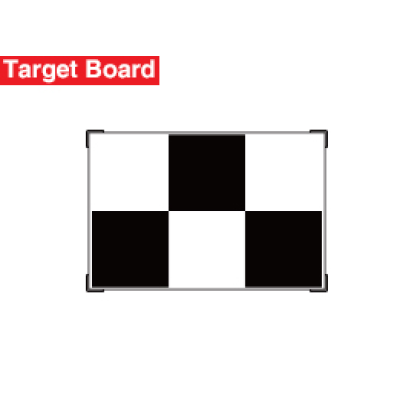
Honda/Acura LDW II
CSC0601/08-R
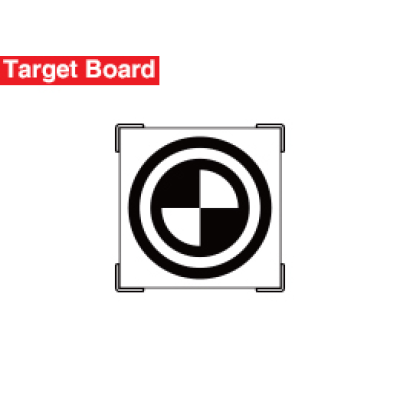
Honda LDW I
CSC0601/05
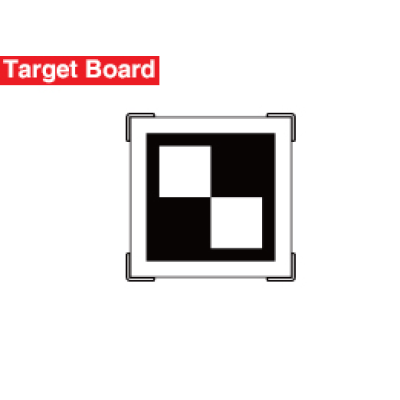
Toyota/Lexus LDW I
CSC0601/11
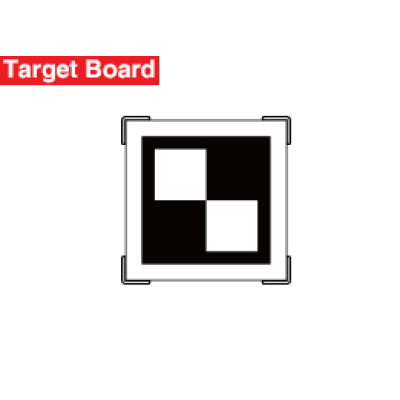
Toyota/Lexus LDW II
CSC0601/15
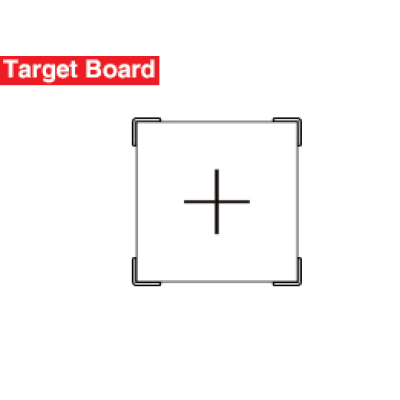
Hyundai/KIA LDW II
CSC0601/09
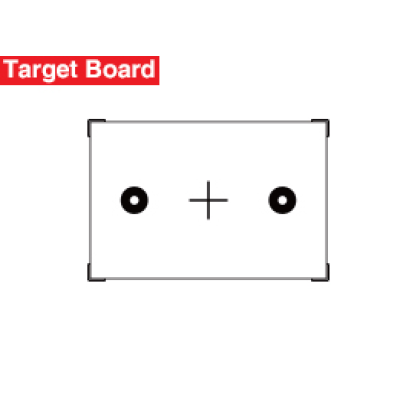
Mercedes-Benz LDW
CSC0601/02
Nissan LDW I
CSC0601/03-L
Nissan LDW I
CSC0601/03-R
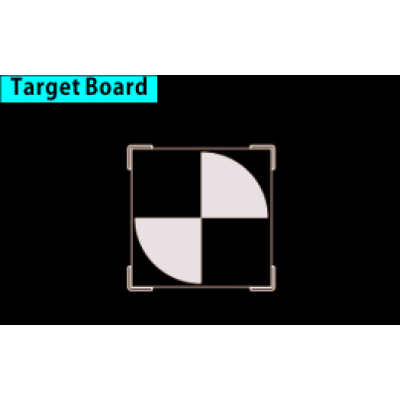
Nissan/Infiniti/Renault LDW II
CSC0601/06-L
.jpg)
Nissan/Infiniti/Renault LDW II
CSC0601/06-R
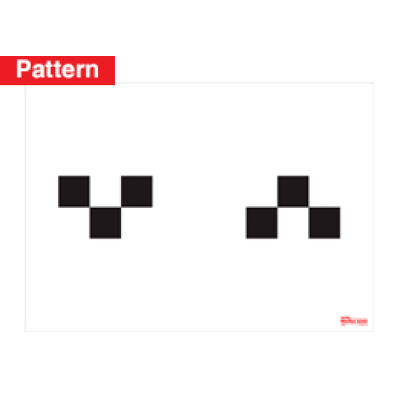
Nissan LDW I
CSC0601/03
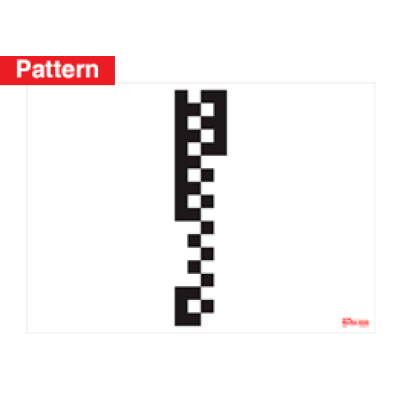
Hyundai/KIA LDW I
CSC0601/07

Nissan LDW III
CSC0601/04-L
Nissan LDW III
CSC0601/04-R
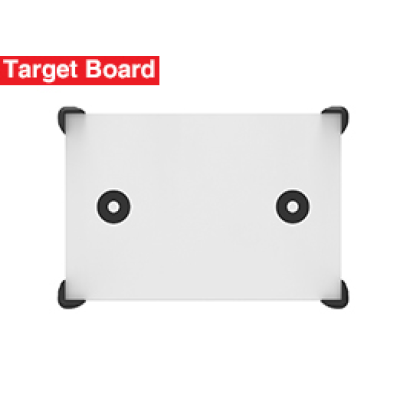
Mazda LDW I
CSC0601/12
Mazda LDW II
CSC0601/13-L
Mazda LDW II
CSC0601/13-R
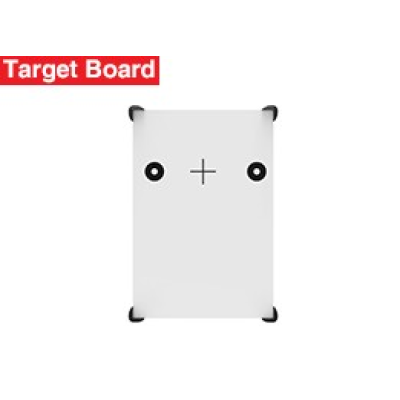
Mercedes LDW II
CSC0601/19

Mitsubishi LDW
CSC0601/22-L
Mitsubishi LDW
CSC0601/22-R
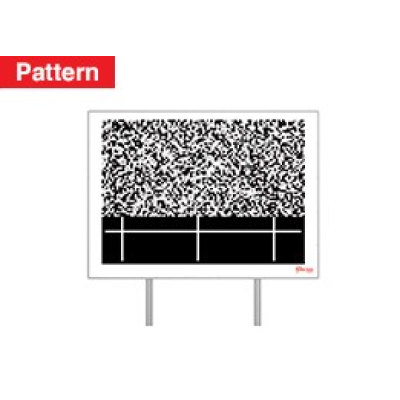
Canvas/Subaru LDW I
CSC0601/14
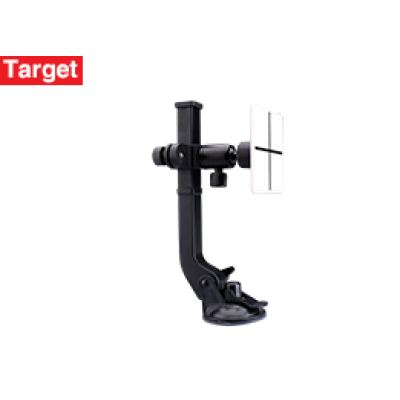
Hyundai/Kia LDW
CSC0701/23
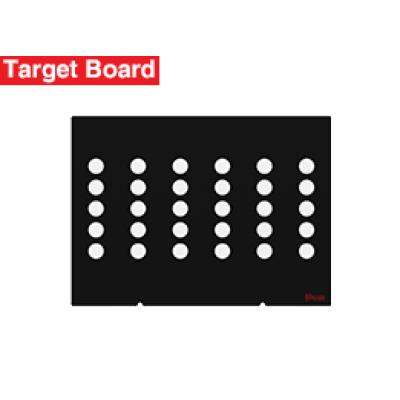
Alfa Romeo/Geely-LKS
CSC0601/10
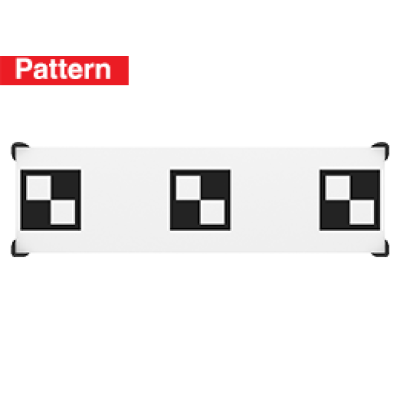
Toyota LDW III
AUTEL-CSC0601/25
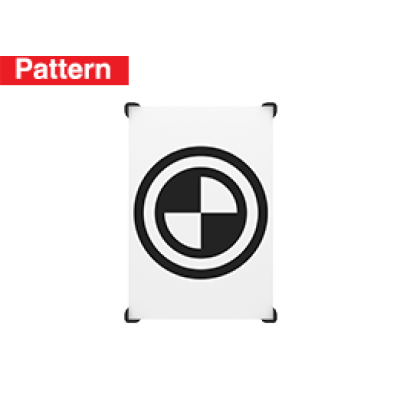
Honda LDW III
AUTEL-CSC0601/24-01
Suzuki LDW
AUTEL-CSC0601/23
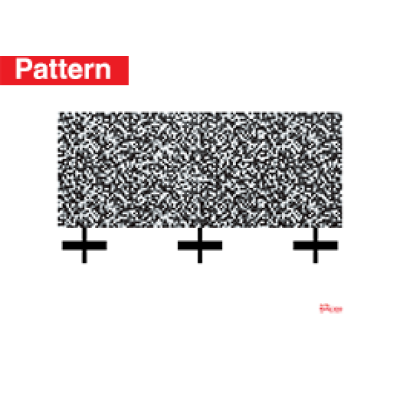
Subaru LDW II
AUTEL-CSC0601/17
Daihatsu LDW
AUTELCSC0601_27
Night Vision (NV)
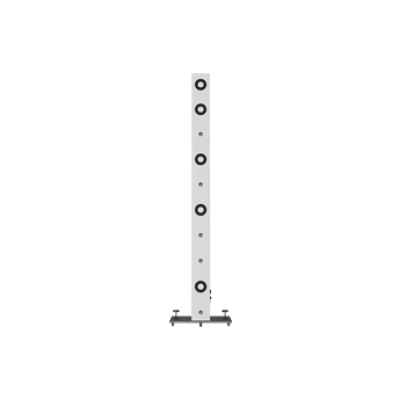
NV Calibrator (Benz)
Calibrates night vision system of Benz vehicles.
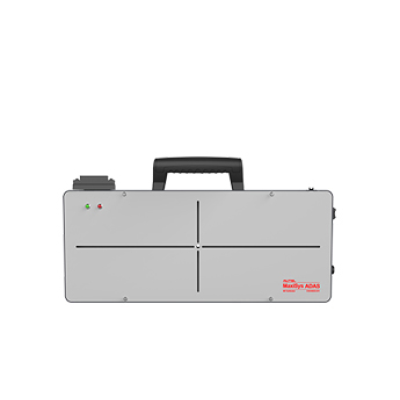
NV Calibrator (VW, Audi, GM, and Porsche, etc.)
Calibrates night vision system of VW, GM and Porsche vehicles by attaching to the sliding board.
Around View Monitoring (AVM)
AMERICAN
GM / CHEVY / CADILLAC / BUICK / JEEP / CHRYSLER / DODGE / FORD / LINCOLN
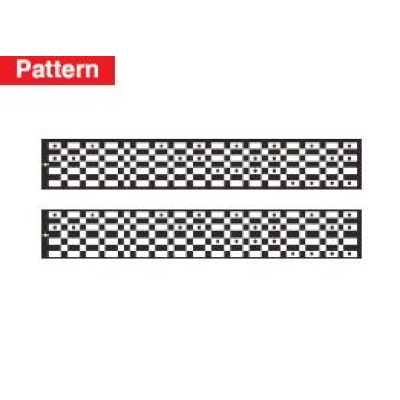
Ford-AVM
CSC1004/05
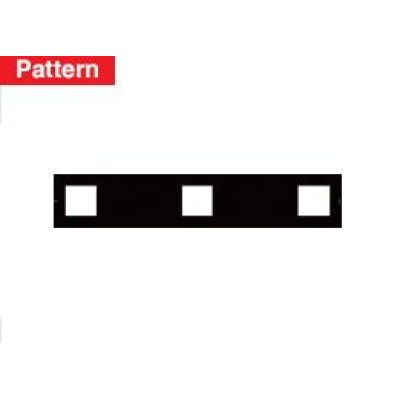
Cadillac-AVM
CSC1004/06
ASIAN
NISSAN / ACURA / HONDA / TOYOTA / LEXUS / INFINITI / KIA / MAZDA / HYUNDAI / SUBARU
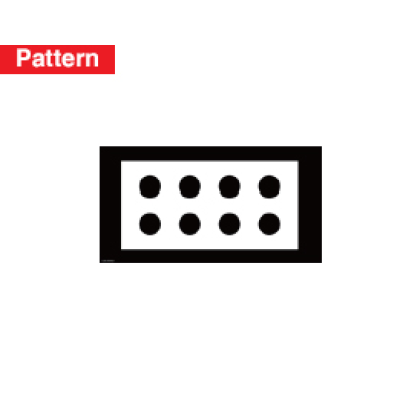
Honda-AVM
CSC1004/03
Honda-AVM
CSC1004/02
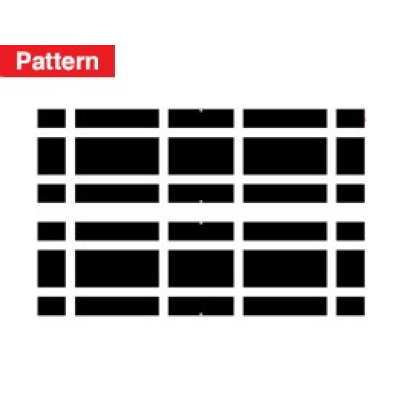
Mitsubishi-AVM
CSC1004/09
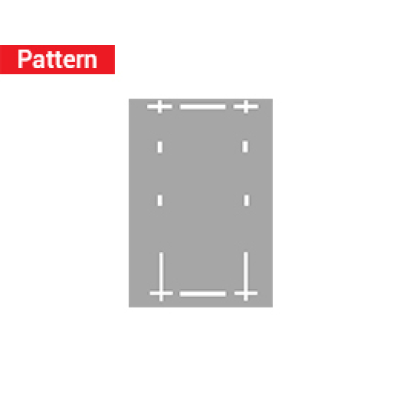
Toyota-AVM
CSC1004/10
EUROPEAN
BENZ / PORSCHE / AUDI / VW / BMW / MINI / FIAT / VOLVO / JAGUAR / MASERATI
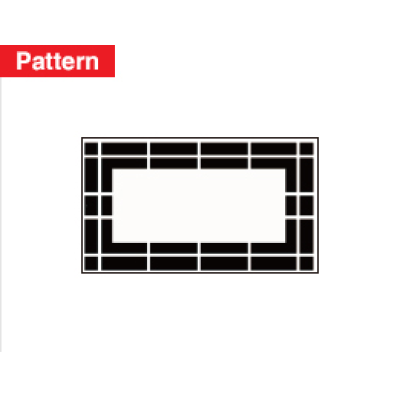
Porsche-AVM
CSC1004/07
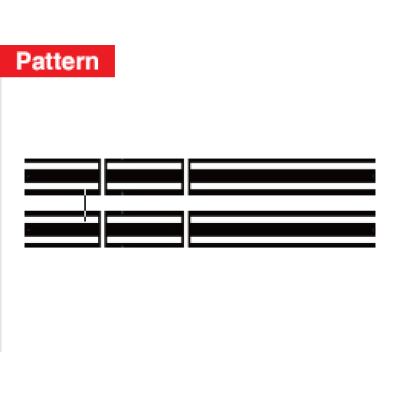
VW, Porsche, etc.-AVM
CSC1004/01
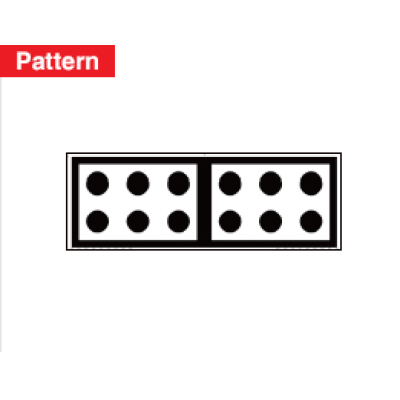
VW-RCW/AVM
CSC0806/01
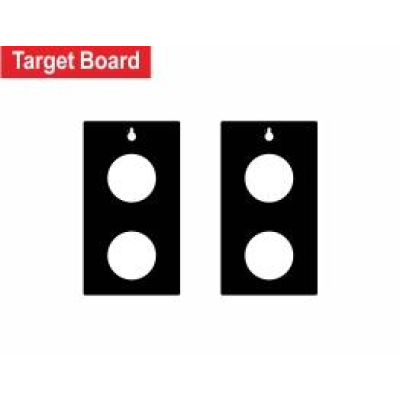
VW-AVM
CSC0804/01

PSA-AVM
CSC1004/08
Blind Spot Detection (BSD)
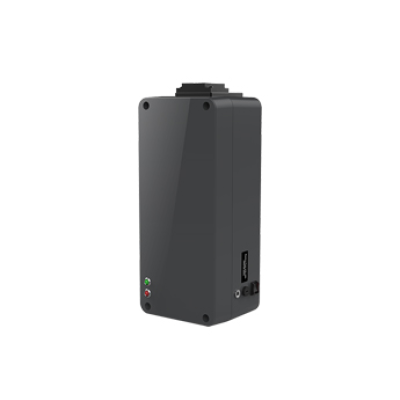
Radar Calibration Box
Calibrates blind spot detection system of VW, Porsche and Mazda vehicles by attaching to the sliding board on the crossbar of the calibration frame.
Corner Reflector
Calibrates radar for Honda, Toyota, Hyundai, and KIA vehicles by attaching to the Calibrator Stand.
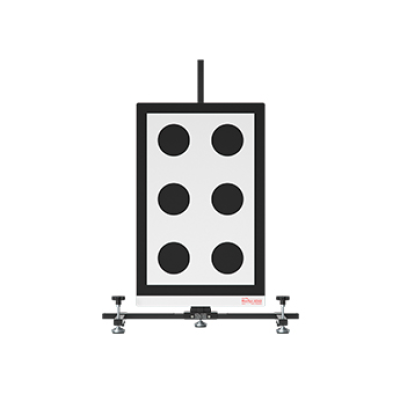
Camera Calibration Plate
Calibrates Lane Watch for Honda vehicles by attaching to the calibration stand.
Rear Collision Warning (RCW)
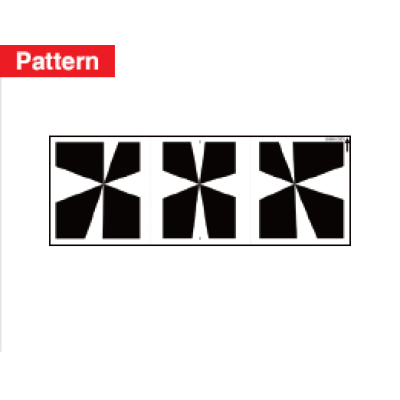
Mercedes-Benz-RCW
CSC1006/01
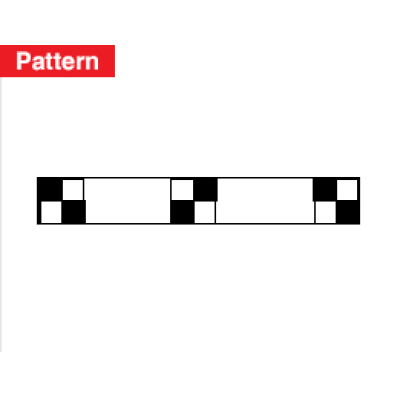
Nissan-RCW
CSC1006/03
Nissan-RCW
CSC1006/04
Nissan-RCW
CSC1006/05
Autel MAXISYS ADAS Assistance Tools
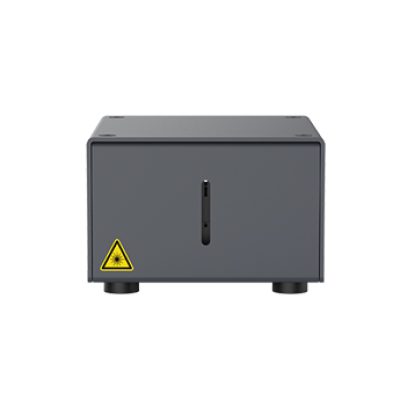
Laser
Identifies whether the vehicle and the pattern are on the same central axis.
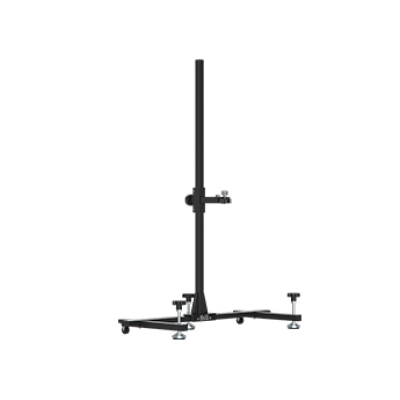
Calibration Stand
Holds calibration plates for Nissan and Honda vehicles.
Autel MAXISYS ADAS Software
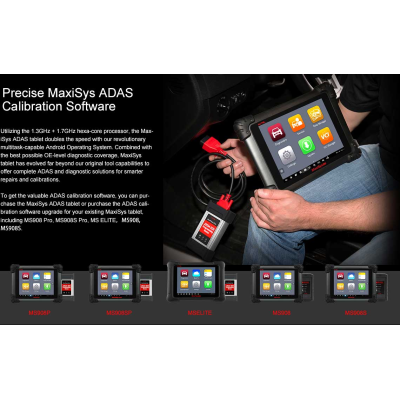
Precise MaxiSys ADAS Calibration Software
Based on the powerful MaxiSys platform, Autel presents the MaxiSys ADAS with the original complete diagnostic functions and comprehensive ADAS calibration. Combined with the service manual, the procedures are presented with graphic instruction. The MaxiSys tablet has the best possible OE-level diagnostic coverage to offer complete ADAS and diagnostic solutions for smarter repair and calibration.
Please order the calibration frame packages separately.
FREQUENTLY ASKED QUESTIONS
What is ADAS?
- The Advanced Driver Assistance System (ADAS) uses image processing cameras, radar, light detection and ranging and other sensors to monitor vehicle surroundings and detect potentially dangerous situations. Purpose: to increase safety through advanced situational awareness and reduce collision possibilities.
- Sensors used in ADAS include cameras, radars, lasers and ultrasound. They can detect light, heat, pressure and other variables used to monitor the state of vehicle. Usually they locate in the front and rear bumpers, side mirrors, vehicle cab and wind shield glasses.
What are the applications of ADAS?
- ADAS usually includes Traffic Message Channel (TMC), Intelligent Speed Adaptation (ISA), Vehicular Communication Systems and other driver assistant systems. The specific systems are as follows:
- Vehicle Cab:
- 1) Lane Departure Warning System
- 2) Lane Keeping Assist
- 3) Traffic Sign/Signal Recognition
- 4) Night Vision System
- 5) Driver Status Monitor
- 6) Electric Vehicle Warning
- 7) Hill Descent Control
- Front:
- 1) Parking Assist
- 2) Adaptive Front/Lighting System
- 3) Adaptive Cruise Control
- 4) Pedestrian Detection
- 5) Emergency Brake
- Rear:
- 1) Reverse Image
- 2) Parking Assist
- 3) Rear Collision Warning
- Side:
- 1) Surround View
- 2) Blind Spot Detection
When to use ADAS?
- Under normal circumstances, after repair in an accident, calibration of the relevant auxiliary systems need to be performed. When disassembling or reinstalling monitoring components such as cameras, radars, and sensors, replacing the vehicle ECU, or the vehicle height has been changed, auxiliary and other systems need to be calibrated.
- For example: ACC calibration needs to be performed in the following cases.
- 1. Repair or replace the Adaptive Cruise Control (ACC) radar sensor control unit
- 2. ACC radar sensor deviation angle out of normal range
- 3. Adjust position of the ACC radar sensor on the vehicle body
- 4. Repair or replace bumper or radiator grill
- 5. Adjust chassis
How to use MaxiSys ADAS?
- Perform the following steps prior to setting-up calibration toolset.
- ? Park the vehicle on a flat and level surface with its front wheels pointing straight and ensure there are no objects
- in front of the vehicle.
- ? The vehicle’s coolants and engine oil should be at recommended levels and the gas tank full. The vehicle should
- not be carrying any load (passengers or cargo).
- ? Attach the VCI to the vehicle and connect the diagnostic tool to the vehicle (if connected through cable, please
- pass cable through window).
- ? Close the vehicle doors.
- ? Adjust the tire pressure to the recommended value.
- ? The preparation measures vary by vehicle and system. Please follow the instructions on the MaxiSys ADAS
- tablet to ensure accurate calibration.
What is ADAS Front-view Camera?
- The front-view camera captures what is in front of the vehicle. It is used in a number of ADAS systems, including Lane Departure Warning (LDW), Lane Keeping Assist (LKA) and Traffic Sign/Signal Recognition (TSR) systems, often in conjunction with other sensors, cameras or sensing systems to provide input data.
What is ADAS 360°Camera?
- The 360° or Surround View Camera System uses multiple camera views to create one 360° top-down (bird’s eye) view surrounding the vehicle. This system is used in both passive (displayed instructions) and active (autonomous) vehicle parking assist systems.
What is ADAS Radar Sensor?
- ADAS radar sensors detect fixed and moving objects at different distances around the perimeter of a vehicle. Different Radar types and frequencies are used in various ADAS systems. Ultra short-range radar (USRR) and short-range radar (SRR) provide data for blind-spot detection (BSD) and lane-change assist (LCA), while systems including adaptive cruise control (ACC) use longer range radar.
How can I get the ADAS software?
- To get the valuable ADAS calibration software, you can purchase the MaxiSys ADAS tablet or purchase the ADAS calibration software upgrade for your existing MaxiSys tablet.
What are the technology tools of ADAS and where are they in my vehicle?
- Cameras, sensors, ultrasound, radar and LIDAR are some of the systems used to capture the driving environment data, including travelling or static vehicles position, pedestrian location, road sign, driving lane and intersection detection, road (curves) and driving conditions (poor visibility or evening driving), use that information to instruct the vehicle to take its predetermined action. Cameras, sensors and sensing systems are typically location in front and rear bumpers, windshield, front grill and side and rear view mirrors.
What if my car is not in a horizontal position?
- ADAS calibration procedures should be performed on a level floor. If an alignment lift is used for leveling, the Autel calibration software can provide adjustment information and the calibration frame can be easily raised or lowered to be level with the vehicle.
Which areas does Autel MaxiSys ADAS support?
- The MaxiSys ADAS currently supports calibrations for most today’s ADAS-enabled vehicles in the USA, Asian, European markets.
What are the requirements for the calibration shop?
- 1.Perform calibration procedures indoors without object obstructions
- 2.No exterior light sources to cast uneven surface shadows
- 3.Some procedures require bright background light alignments
What are the requirements for the calibration surface?
- Park the vehicle on a flat and level surface with its front wheels pointing straight and ensure there is room around the vehicle (generally there should not be objects within three meters or ten feet of the front of the vehicle).
Why is MaxiSys ADAS a comprehensive solution?
- Based on the powerful MaxiSys platform, Autel presents the MaxiSys ADAS. The MaxiSys ADAS not only provides the original complete diagnostic functionality but also offers comprehensive and precise ADAS calibration.
- Combined with the best possible OE-level diagnostic coverage, the MaxiSys tablet has evolved far beyond our original tool capabilities to offer complete ADAS and diagnostic solutions for smarter repair and calibration.
- A: Comprehensive Functionality
- 1.The MaxiSys ADAS offers all diagnostic and maintenance services of the MaxiSys tool.
- 2.The MaxiSys ADAS’s ADAS module covers many vehicle makes, including Benz, BMW, Audi, VW,
- Porsche,Infiniti, Lexus, GM, Ford, Volvo, Toyota, Nissan, Honda, Hyundai and Kia.
- 3.The MaxiSys ADAS supports the calibration of multiple driver assistant systems, including Adaptive Cruise
- Control (ACC), Night Vision System (NVS), Lane Departure Warning (LDW), Blind Spot Detection (BSD),
- Around View Monitoring (AVM), Rear Collision Warning (RCW) and Heads-up Displays (HUD).
- 4.The MaxiSys ADAS supplies graphic illustrations and step-by step instructions.
- 5.The MaxiSys ADAS provides demos to guide the technician through the calibration.
- B: Complete Tools
- While the calibration procedures vary by make and the tools differ by driver assistant system, the MaxiSys ADAS calibration toolset can fulfil the flexible installation and precise calibration for a wide range of vehicle makes and systems.
- 1.The calibration toolset allows flexible assembly for different driver assistant systems and vehicle models.
- 2.The calibration frame is equipped with a sliding board for easy movement and positioning.
- 3.The toolset provides calibrations with millimeter accuracy via the precise marks on rulers and
- the laser positioning.
Which vehicle actions require ADAS system diagnostics or ADAS sensor calibration?
- Sensor Replacement / Accident Repair / Wheel Alignment / Windshield Replacement / Diagnostic Service
What is the easiest way to check the vehicle to confirm which ADAS modules are active?
- During the Pre-SCAN procedure, the MaxiSys software will scan all modules in all systems and list on a single screen, then provide visual ADAS icons next to the active ADAS modules. This shows technicians which ADAS systems are active and helps prepare a more detailed repair plan which includes the required ADAS calibration procedures after the repairs are complete.
How do I know if the ADAS recalibration was successful?
- The technician can review the post-calibration scan to confirm if the module DTC is cleared. The ADAS module calibration will not complete if the calibration steps were not followed correctly.
What are the different types of ADAS calibrations and are they brand specific?
- Depending on vehicle type, either a Stationary or Dynamic calibration procedure is required (in some vehicle types both are required) to calibrate ADAS sensors to vehicle modules.
- • Stationary calibrations are completed in a shop environment and requires the use of targets or patterns to complete.
- • Dynamic calibrations require the vehicle to be driven on roadways for a certain amount of time with well maintained road markings.
What are the shop environment requirements for calibration procedures?
- • Flat and level surface with enough room around the vehicle to complete calibration procedures. (generally, there should not be objects within the 15 foot by 30 foot calibration area)
- • Perform calibration procedures indoors without object obstructions.
- • No exterior light sources to cast uneven surface shadows.
- • Some procedures require bright background light alignments.
What vehicle preparation is required before performing calibration procedures?
- • The vehicle coolants and engine oil should be at recommended levels and the gas tank full.
- • The vehicle should not be carrying any load (passengers or cargo).
- • Adjust the tire pressure to the recommended value.
- • Attach the wireless VCI to the vehicle DLC.
- • Make sure the MaxiSys is paired to the VCI, then make sure to close all the vehicle doors.
- • Establish communication from the diagnostic tool to the vehicle.
- • Follow the MaxiSys ADAS software instructions to ensure accurate calibration. Preparation measures vary by vehicle and system.
How do I know what patterns and calibration procedures to use?
- The Autel MaxiSys ADAS Calibration Application software provides graphic step-by-step instructions that are vehicle model specific to confirm the correct patterns are used during the correct calibration procedures. Your MaxiSys software confirms this information is correct, based on the vehicle information confirmed from the AutoSCAN feature, to confirm which active ADAS modules in any vehicle system may need a calibration procedure completed.
Does the MSADAS tablet provide other scan tool functions than ADAS calibration?
- a. Yes, the MSADAS provides all the same diagnostic and maintence services as the MS908SP, including Pre / Post Scanning