
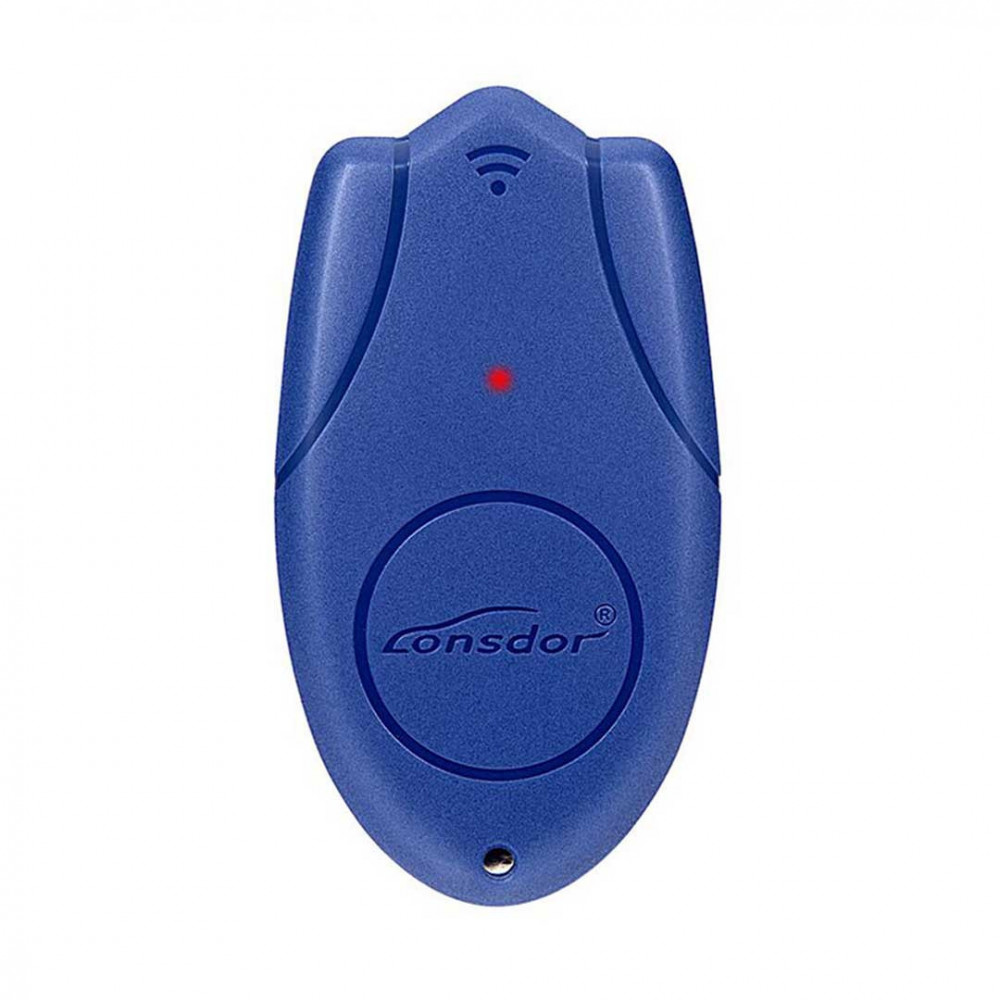

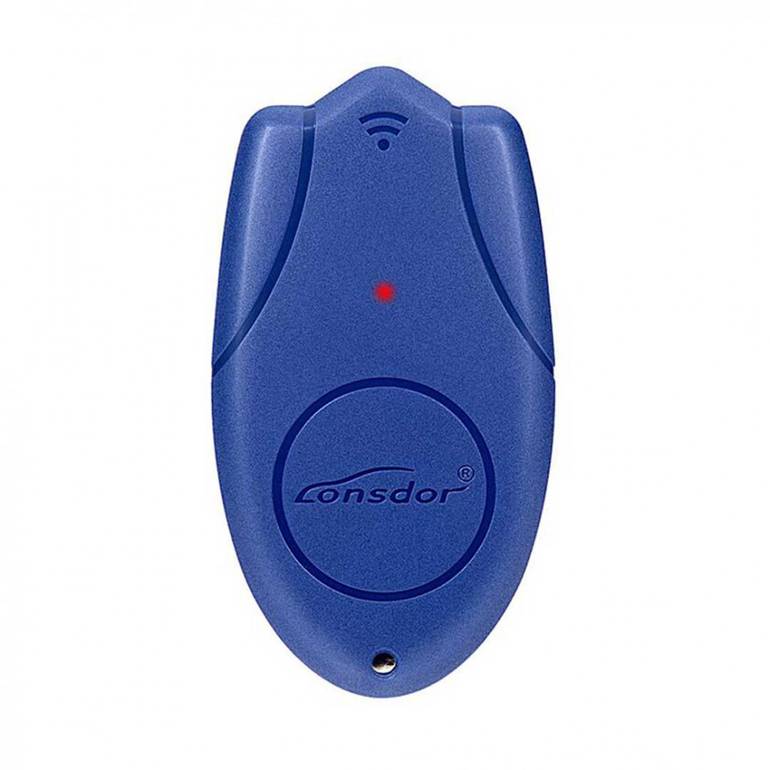
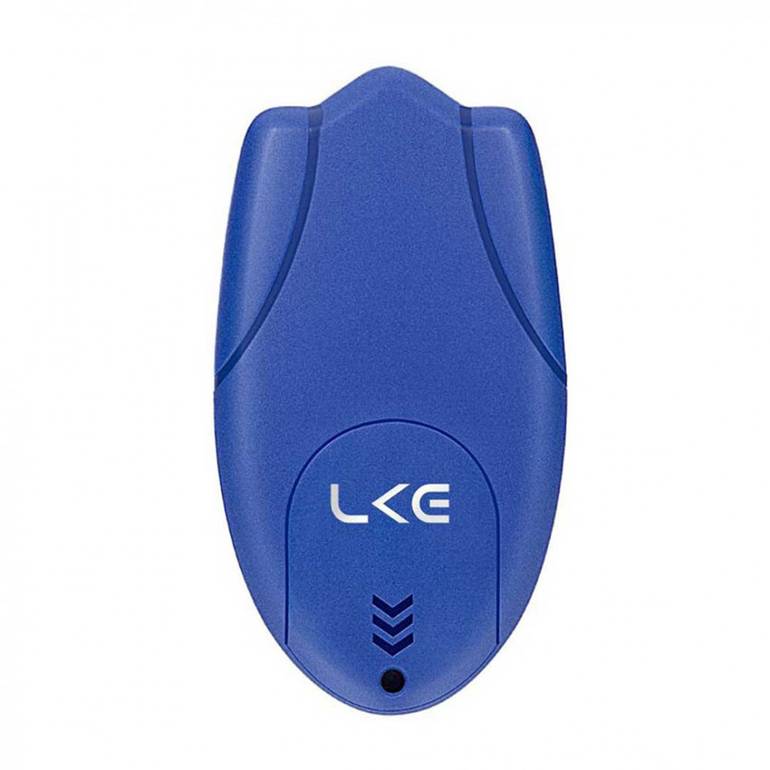

Specs:Manufacturer: LonsdorCondition: NewAdvantages of LKE:1. Features of Toyota/Lexus smart key all lost(5 emulators-in-1)Dismantle-freeNo need networkingLocalized computing2. Generate chip LKE can be used to work as an emergency key to program when مزيد من المعلومات
+
احصل على نقاط ولاء مع هذا الشراء
المكافآتSpecs:Manufacturer: Lonsdor
Condition: New
1. Features of Toyota/Lexus smart key all lost(5 emulators-in-1)
Dismantle-free
No need networking
Localized computing
2. Generate chip
LKE can be used to work as an emergency key to program when no dedicated chip.
3. Copy chip
By collecting data to decode and copy chip, LKE currently supports some 46 and 4D chip copy.
4. Simulate and convert chip Use [Generate chip] to make various chips, part of 4D/46 and SKE Toyota currently supported.
5. Decode chip
Decode 46 and 4D chips to obtain SK.
6. Identify ignition coil and key chip type(all key lost)
7. As K518 helper:
Achieve programming key without PIN for Hyundai and Kia.
Achieve programming key without PIN for BYD.
Achieve programming key without PIN for Porsche Cayman(2005-2010) and boxster.
Place one end of antenna into K518 card slot to operate.
Battery: standard CR2032
1. Simulate key chip
Boot K518 device, place LKE into K518 card slot, go to "Special function" in the menu interface and choose "Analog chip->Generate analog chip" to generate 46 and 4D chip.
Then you can generate various car key chip according to demand, for example, 46 chip can be used to generate key chip for vehicle models like Great wall motor, Zotye auto, Geely and etc.
4D chip can be used to generate key chip for Toyota, Lexus, Subaru and etc.
2. Collect data
This function is currently used to collect data to decode chip, and can copy original car chip data after chip is decoded.
Boot K518 device, place LKE into the card slot, go to "Special function" in the menu interface and choose "Decode chip", you can decode different types of chip.
3. Detect ignition coil fault and chip type
Boot K518 device, place LKE into the card slot, go to "Special function" in the menu interface and choose "Ignition coil->Detect ignition coil " to detect whether the coil is normal and identify chip type.
4. Upgrade functions
Boot K518 device, place LKE into the card slot, in the interface of "Special function", click function icon, the system will notify whether to update, click OK to upgrade online directly.
Boot K518 device, click "Special function" icon and choose corresponding functions (such as Identify© chip, Analog chip, Decode chip, Ignition coil) and operate as per system prompts.
When it starts to work, signal light will go on; when at work, the light will flash; when finish work, the light will go out after 3 secs.
